
The Marketing Attribution Playbook for Mid-Size SaaS
- Jason B. Hart
- April 7, 2026
Complete SaaS marketing attribution playbook for reporting leaders to trust. Covers method choice, source loss, CRM handoffs, and confidence labels.
Read MoreInsights for teams stuck between messy data and expensive decisions
This is not a generic post archive. It is a practical library for SaaS leaders dealing with attribution confusion, revenue-definition fights, weak data foundations, and pressure to make AI or growth bets before the numbers are trustworthy. Start with the situation that sounds most like yours, then move into the guide, diagnostic, or service that fits the real decision in front of you.
Each path below is organized around a real buyer problem, not a blog taxonomy.
Growth / Performance Marketing
Start with the attribution, MMM, and holdout-test guides that separate platform credit from budget-confidence evidence.
Growth / Performance Marketing
Compare MTA, MMM, and incrementality for SaaS budget decisions. Match each method to data maturity, evidence needs, and decision type.
Choose the right evidence methodGrowth / Performance Marketing
Why multi-touch attribution lost its grip on budget decisions, where MMM and incrementality fit, and how to build a modern measurement stack.
See why attribution changed rolesGrowth / Performance Marketing
How to use MMM for budget allocation, when attribution or holdout tests fit better, and what data must be trusted first.
Check MMM readinessGrowth / Performance Marketing
Decide when a SaaS marketing budget move needs a holdout test, when attribution is enough, and when MMM can safely guide the next spend decision.
Check when spend needs causal proofRevOps
Use the workshop and cleanup guides to align definitions, rebuild trust, and stop reporting drift from spreading.
RevOps
A practical workshop guide for RevOps and finance-adjacent leaders who need marketing, sales, and finance to stop reporting different versions of revenue.
Run the revenue workshopRevOps
A 60-day RevOps playbook for fixing messy CRM data, aligning metric definitions, and building trusted reporting without a forever-cleanup project.
Use the cleanup playbookProduct / Analytics / Growth
Start with the translation, prioritization, and decision-framing posts built for teams caught between roadmap pressure and data reality.
Product / Analytics / Growth
Turn vague stakeholder requests into scoped, buildable analytics work before the wrong dashboard or model burns a quarter.
Translate the business askProduct / Analytics / Growth
A contrarian guide to the analytics projects mid-size SaaS teams should stop greenlighting before they waste a quarter on expensive, low-leverage work.
Cut the roadmap noiseHead of Data
Go deeper on data foundations, handoffs, analytics engineering quality, and how to choose what the team should fix first.
Head of Data
Build a trusted dbt data foundation: warehouse architecture, migration strategy, testing, and governance for mid-size SaaS analytics teams.
See the modern foundation guideHead of Data
Score your dbt project across testing, documentation, ownership, and release discipline to see whether reporting is trusted or just documented.
Score the current dbt projectEcommerce leaders
Start with the ecommerce-specific guides that connect channel performance, CAC, fulfillment, and profitability.
Ecommerce leaders
Move from Shopify revenue reporting to true margin clarity by layering in acquisition cost, fulfillment, returns, and contribution economics.
See the profitability guideEcommerce leaders
How ecommerce teams decide when ROAS, attribution, MMM, or a holdout test is strong enough to move margin-sensitive paid media spend.
Test whether ROAS is incrementalEcommerce leaders
Calculate true customer acquisition cost — the costs most teams leave out, attribution mistakes that distort the number, plus a downloadable template.
Recalculate CAC the real wayIf you want the shortest path into the strongest Domain Methods thinking, start with these cornerstone pieces.
Complete SaaS marketing attribution playbook for reporting leaders to trust. Covers method choice, source loss, CRM handoffs, and confidence labels.
Read More
A practical workshop guide for RevOps and finance-adjacent leaders who need marketing, sales, and finance to stop reporting different versions of revenue.
Read More
Use this AI readiness scorecard to audit your SaaS data stack before investing in AI. Check CRM hygiene, warehouse trust, workflow risk, and next steps.
Read More
Build a trusted dbt data foundation: warehouse architecture, migration strategy, testing, and governance for mid-size SaaS analytics teams.
Read More
Activate your data warehouse with reverse ETL, AI-powered workflows, and warehouse-as-CDP strategies. Built for mid-size SaaS teams.
Read MoreIf you want more than advice, start with a few case studies that show what better attribution, cleaner definitions, and a stronger data foundation actually changed for the team.
Attribution trust
See how a growth team moved from five conflicting dashboards to one finance-aligned attribution pipeline and faster budget decisions.
Read the attribution case studyData foundation
See what changed when a fast-growing startup replaced spreadsheet reconciliation with one warehouse, shared metric definitions, and investor-ready reporting.
Read the data foundation case studyOperational reliability
See how a brittle reporting stack turned into a stable operating system leaders could use without last-minute fire drills.
Read the reliability case studyThese are the fastest paths from diagnosis to action, depending on what is breaking trust right now.
For attribution and spend trust
Use this when channel reporting sounds confident but nobody can reconcile it to pipeline or revenue.
See the spend diagnosticFor metric fights and executive reporting
Use this when marketing, sales, finance, and RevOps are all defending different versions of reality.
Fix the metric mismatchFor upstream trust and infrastructure
Use this when dashboards, AI projects, and workflows all keep failing because the foundation underneath them is unstable.
See the foundation pathBrowse the full archive by category once you already know what kind of problem you are solving.
Showing all 144 articles.
A practical SaaS tech stack audit for AI readiness: check CRM hygiene, data flows, warehouse trust, workflow risk, ownership, and what to fix first.
Read More
Check which revenue, pipeline, CAC, retention, and attribution metrics are safe for investor diligence and which need caveats first.
Read More
Use this Customer 360 workflow test to decide whether profile data is safe enough for AI personalization, routing, next actions, or automation.
Read More
Use an activation data contract to decide whether a reverse ETL model is ready for Salesforce, HubSpot, Braze, or AI workflows.
Read More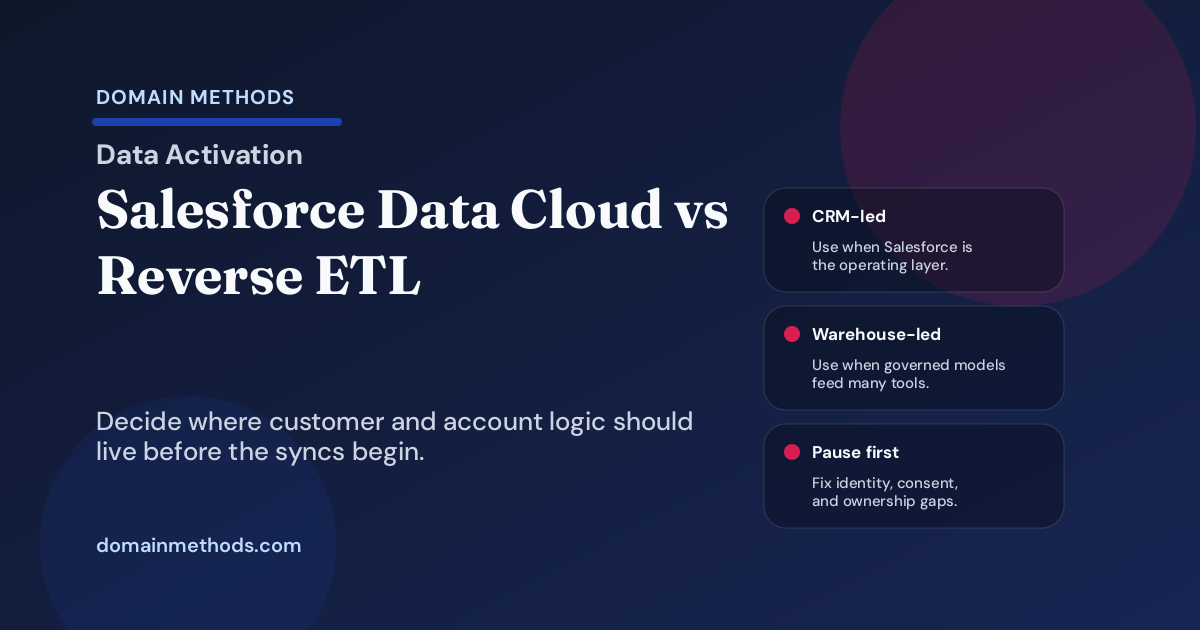
A practical Salesforce Data Cloud vs reverse ETL comparison for SaaS teams deciding where customer and account logic should live.
Read More
Use suppression logic to keep reverse ETL, lifecycle, paid, CS, routing, and AI workflows from reaching records they should leave alone.
Read More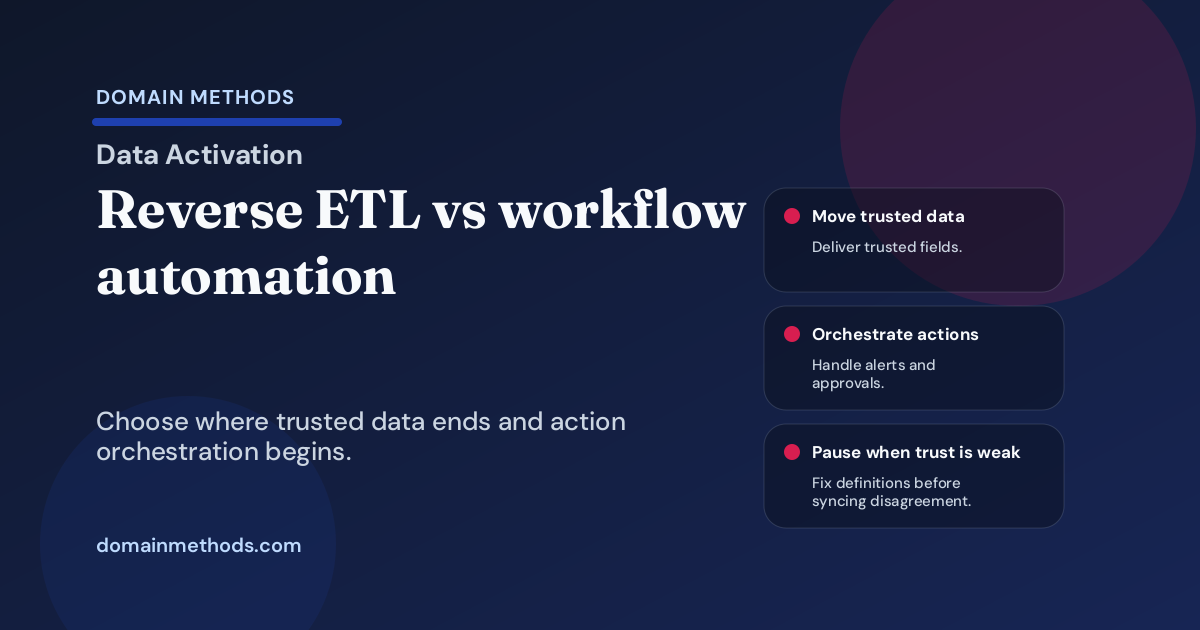
A practical guide to when SaaS teams need reverse ETL, iPaaS, CRM automation, custom APIs, or a pause to fix definitions first.
Read More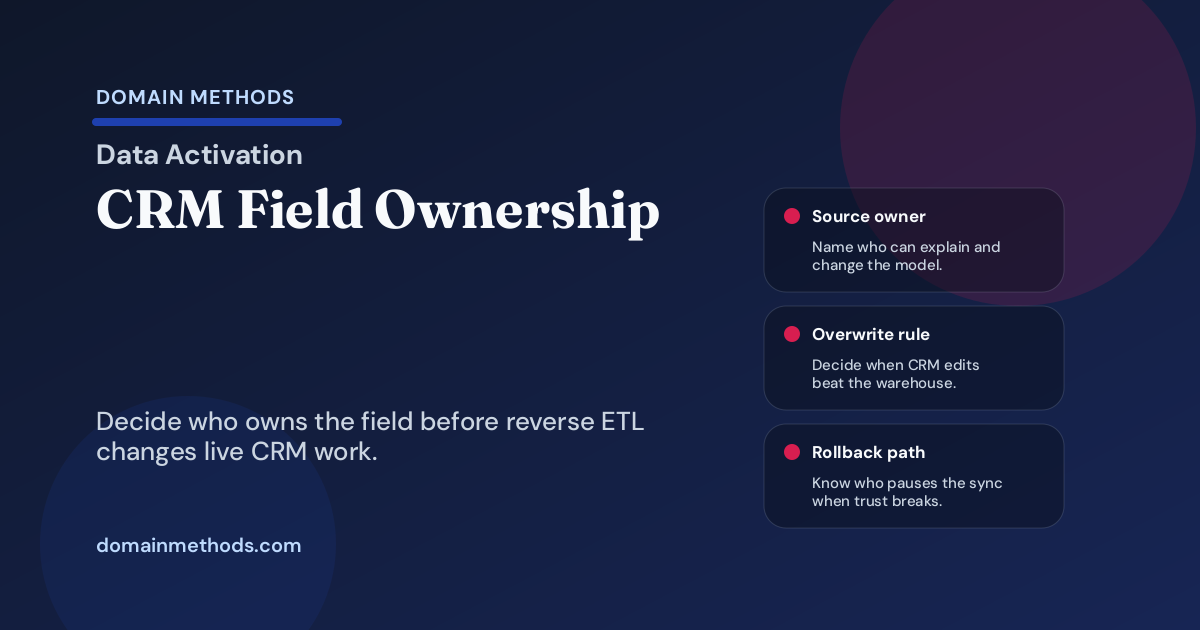
Decide who owns CRM fields, overwrite rules, QA, rollback, and AI workflow risk before warehouse data syncs into Salesforce or HubSpot.
Read More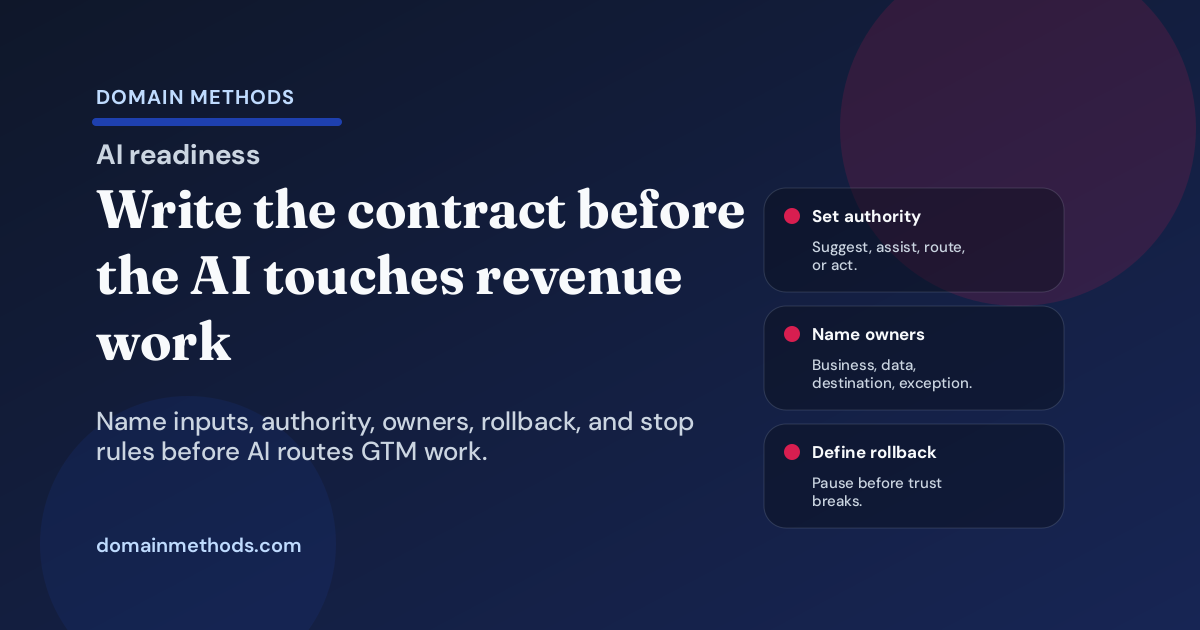
Use an AI activation contract to decide what a revenue workflow can suggest, route, update, or automate before an agent touches live GTM work.
Read More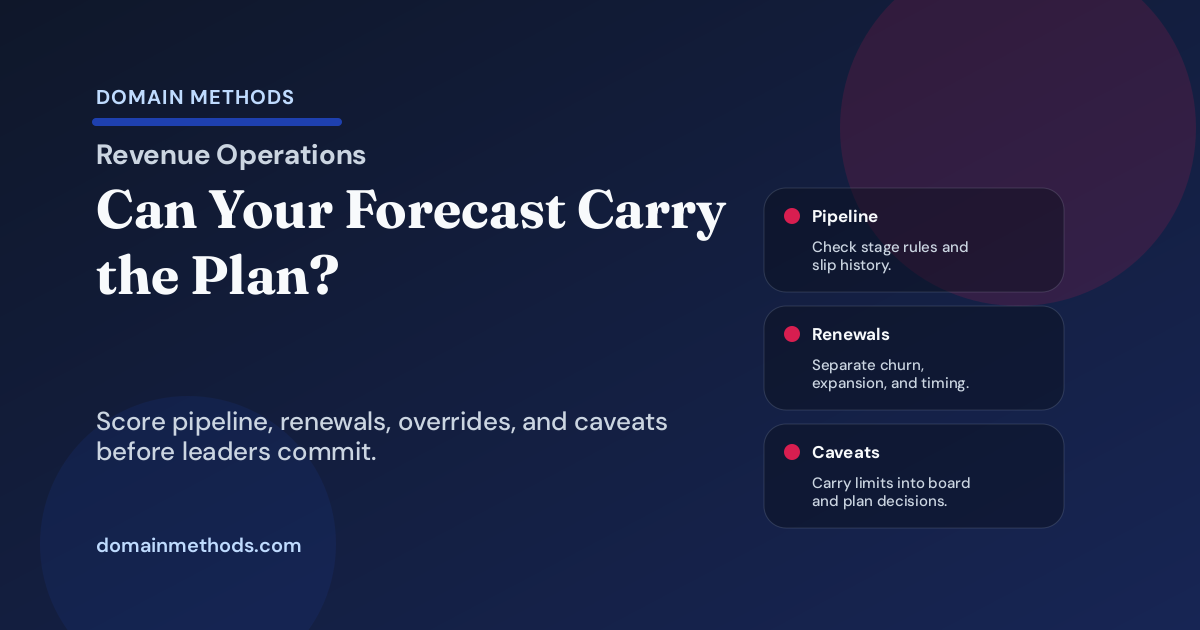
Check whether pipeline, renewal, expansion, and board-plan forecasts are trustworthy enough for hiring, cash, budget, and operating decisions.
Read More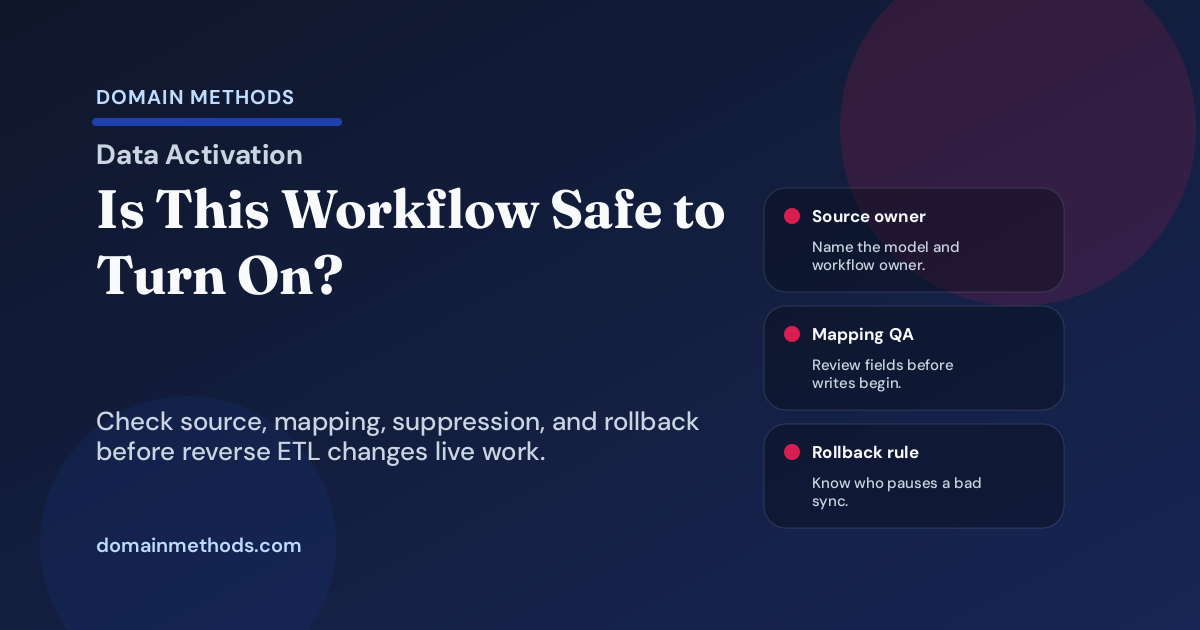
Use this data activation QA checklist before reverse ETL syncs, scores, alerts, or CRM workflows change live GTM behavior.
Read More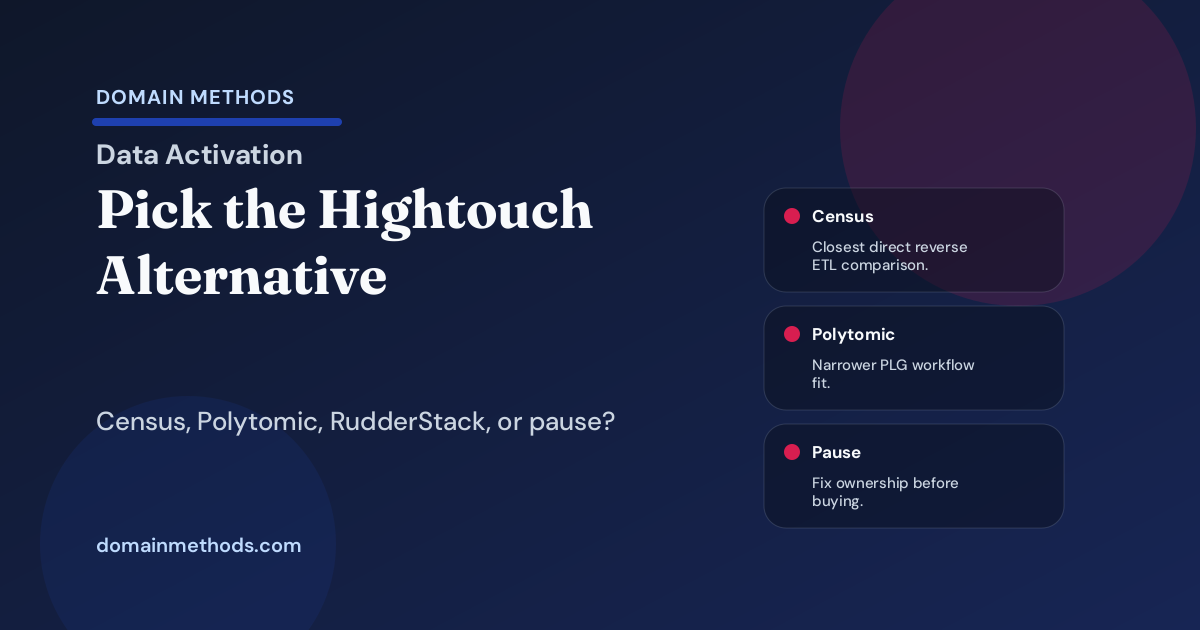
Compare Hightouch alternatives for reverse ETL: Census, Polytomic, RudderStack, custom syncs, and when not to buy yet.
Read More
Use revenue band scoring to prioritize B2B SaaS accounts without overfitting lead scores. Includes examples, caveats, and routing rules.
Read More
Use this marketing budget pacing variance readout to separate spend timing, pipeline quality, CAC movement, and reporting lag before quarter-end.
Read More
Check whether discount approvals, deal-desk exceptions, and pricing concessions are trustworthy enough for forecast, margin, renewal, and board decisions.
Read More
A practical map of marketing data science use cases for growth teams: budget, audience, pipeline, retention, campaign, and AI workflow decisions.
Read More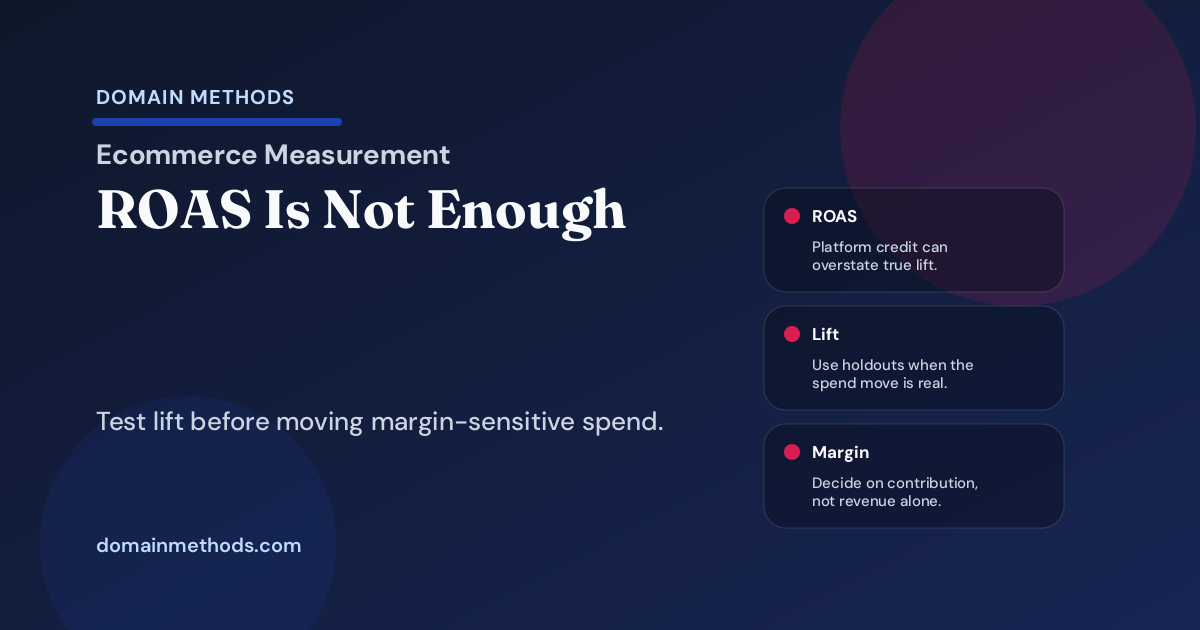
How ecommerce teams decide when ROAS, attribution, MMM, or a holdout test is strong enough to move margin-sensitive paid media spend.
Read More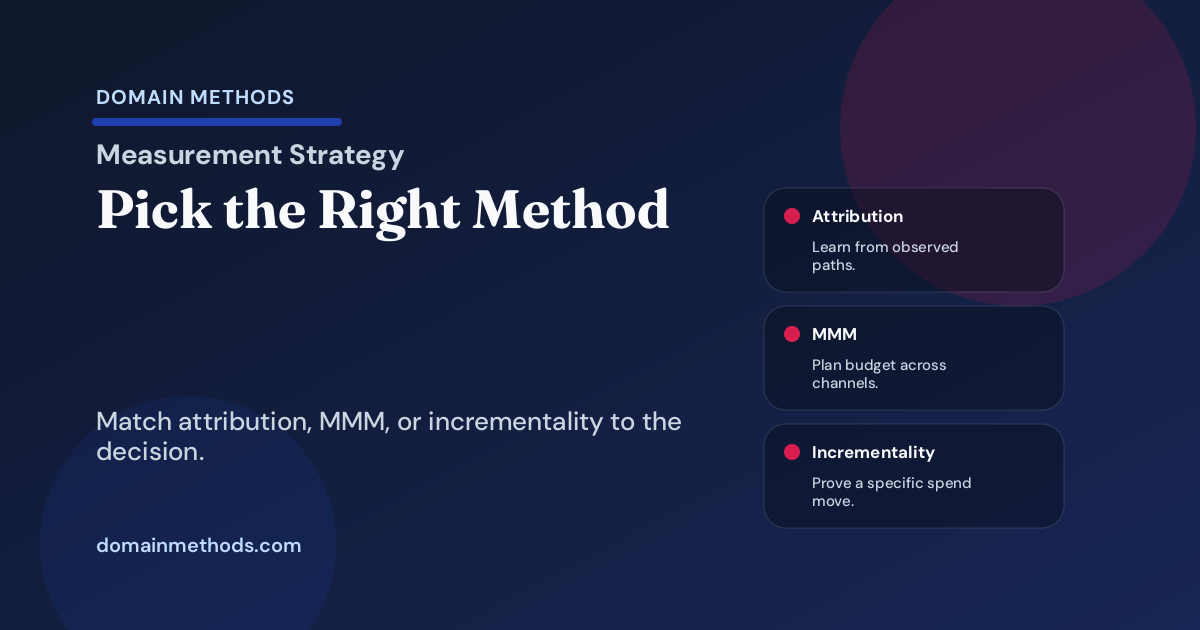
Compare MTA, MMM, and incrementality for SaaS budget decisions. Match each method to data maturity, evidence needs, and decision type.
Read More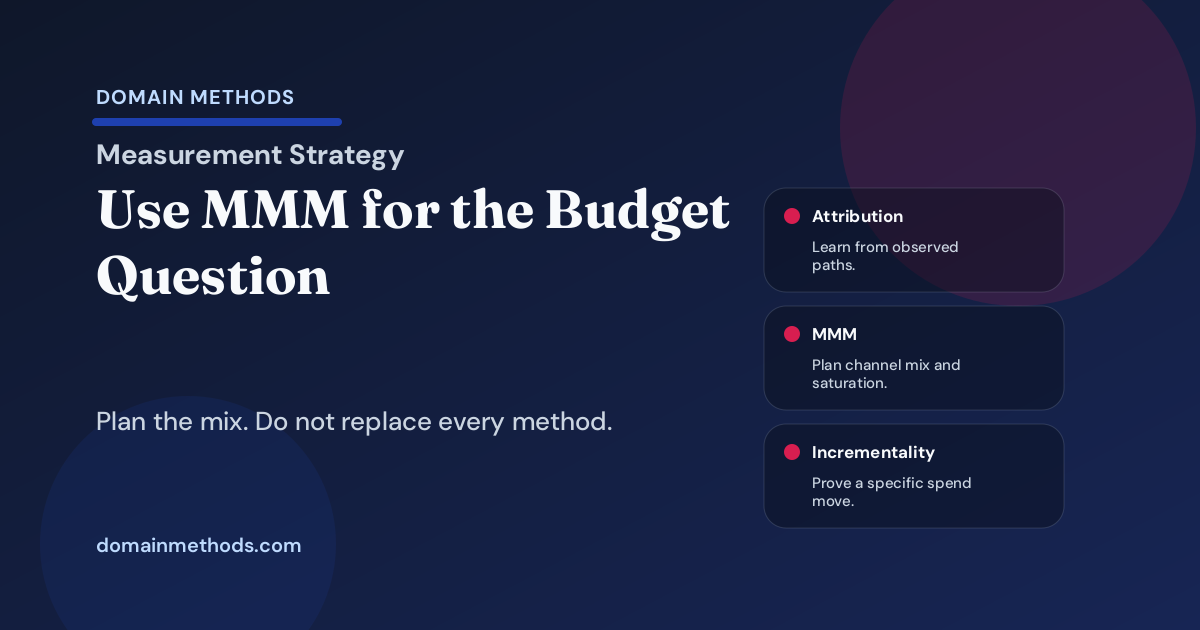
How to use MMM for budget allocation, when attribution or holdout tests fit better, and what data must be trusted first.
Read More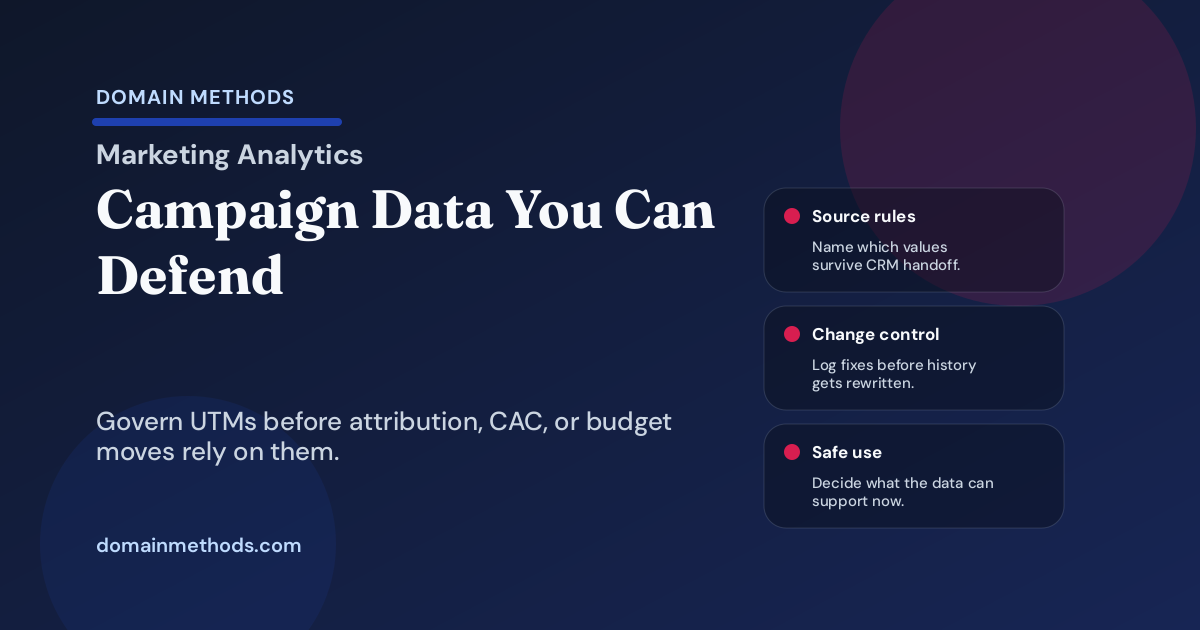
Use this campaign taxonomy and UTM governance checklist before attribution, CAC, or budget pacing reports drive SaaS spend decisions.
Read More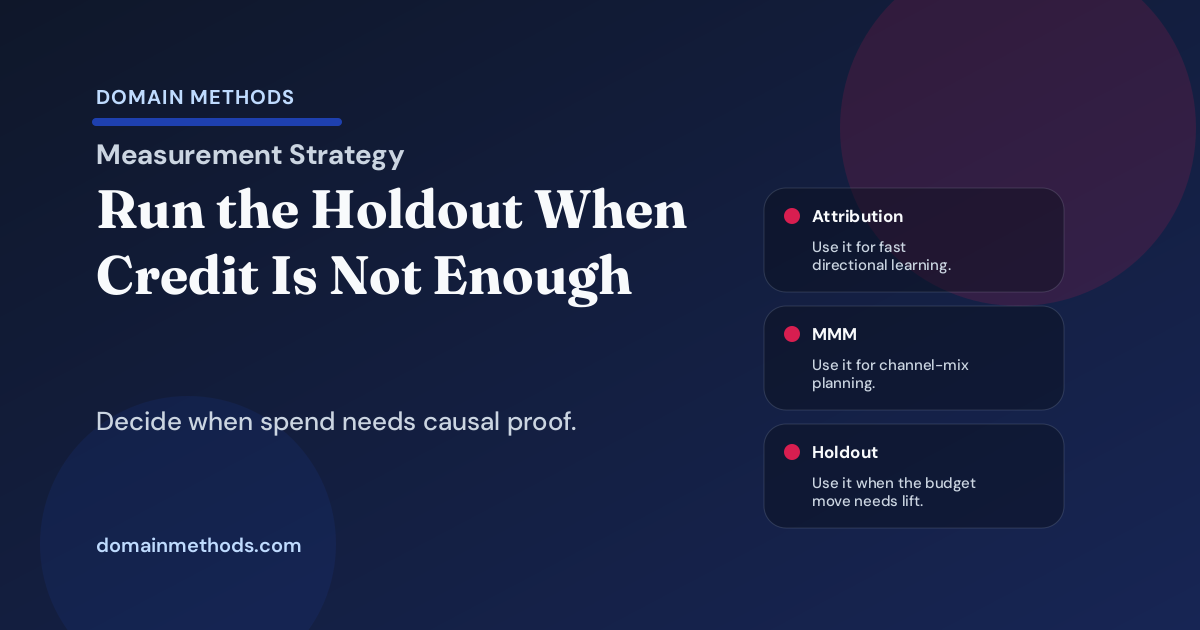
Decide when a SaaS marketing budget move needs a holdout test, when attribution is enough, and when MMM can safely guide the next spend decision.
Read More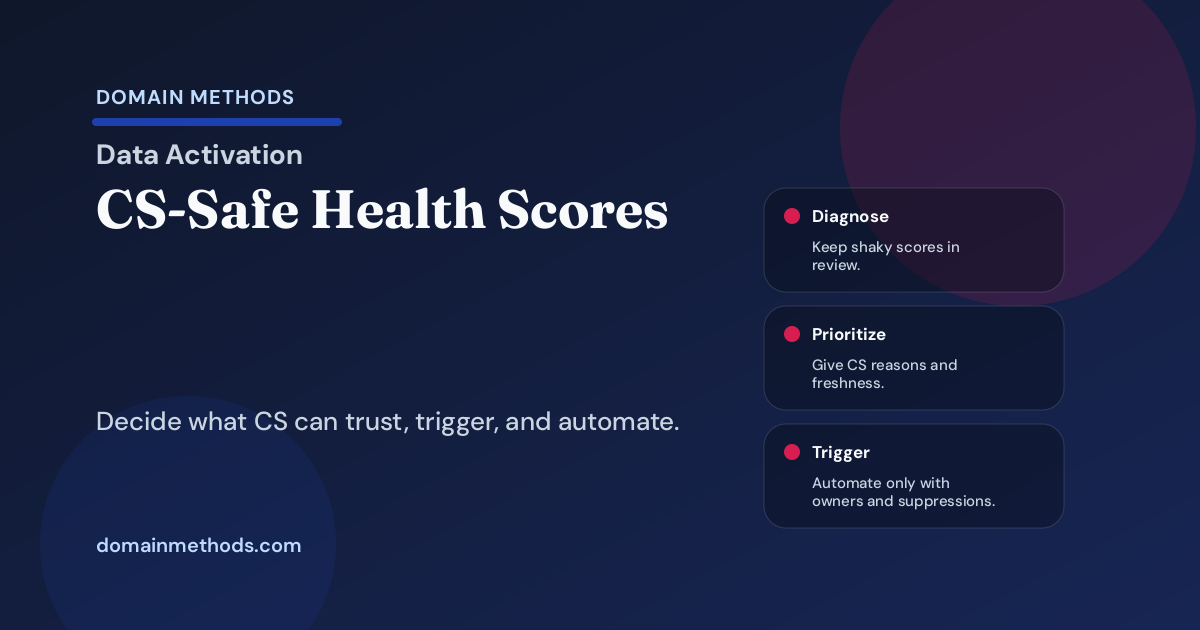
Use this customer health score handoff checklist to decide when CS can trust churn-risk signals for prioritization, workflows, and AI next actions.
Read More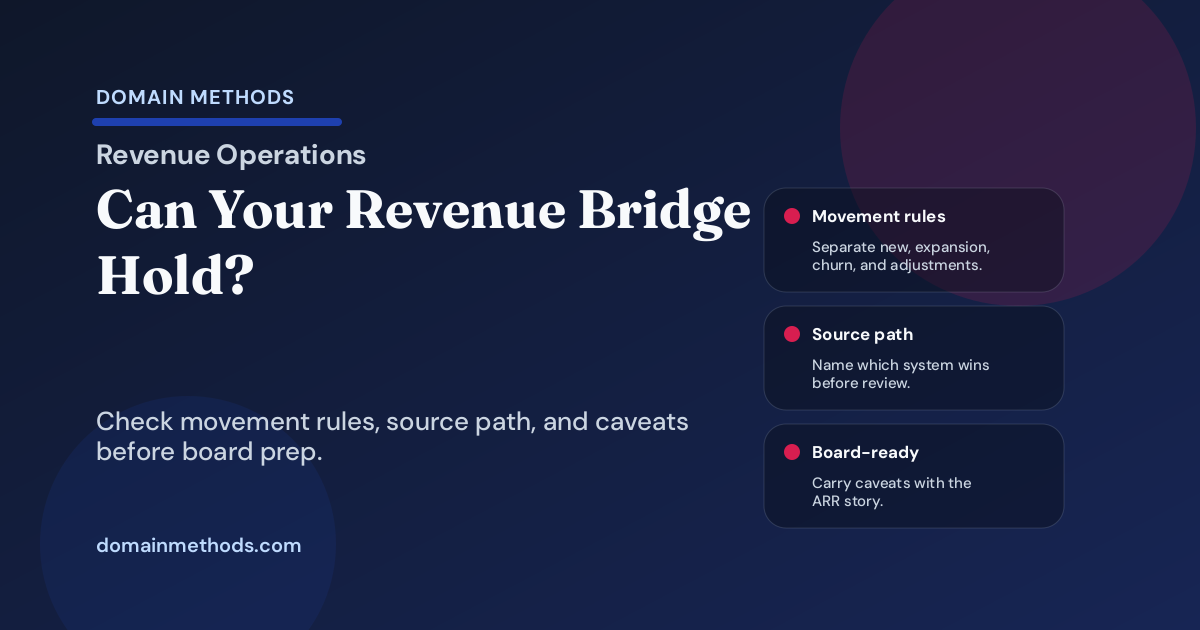
Check whether your ARR bridge can explain new, expansion, contraction, churn, reactivation, and timing movement for board or forecast review.
Read More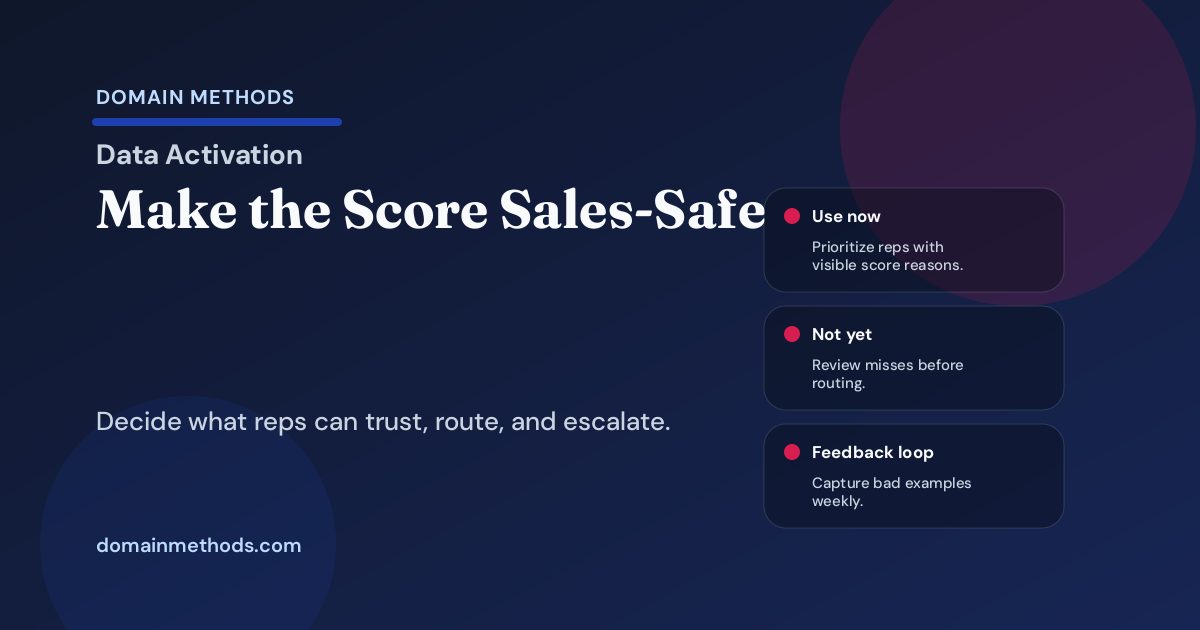
Use this lead scoring sales handoff checklist to decide when reps can trust a score for routing, prioritization, SLAs, and pipeline follow-up.
Read More
A practical guide to where dbt ends, where reverse ETL begins, and how SaaS teams turn trusted models into revenue workflows.
Read More
Check whether win rate or stage conversion is directional, diagnostic-grade, or leadership-grade before it drives hiring, spend, or forecast calls.
Read More
Check whether sales capacity, ramp, quota, and territory assumptions are trustworthy enough for hiring, forecasting, and board decisions.
Read More
Check whether gross retention, NRR, churn, and expansion reporting are trustworthy enough for board, forecast, and staffing decisions.
Read More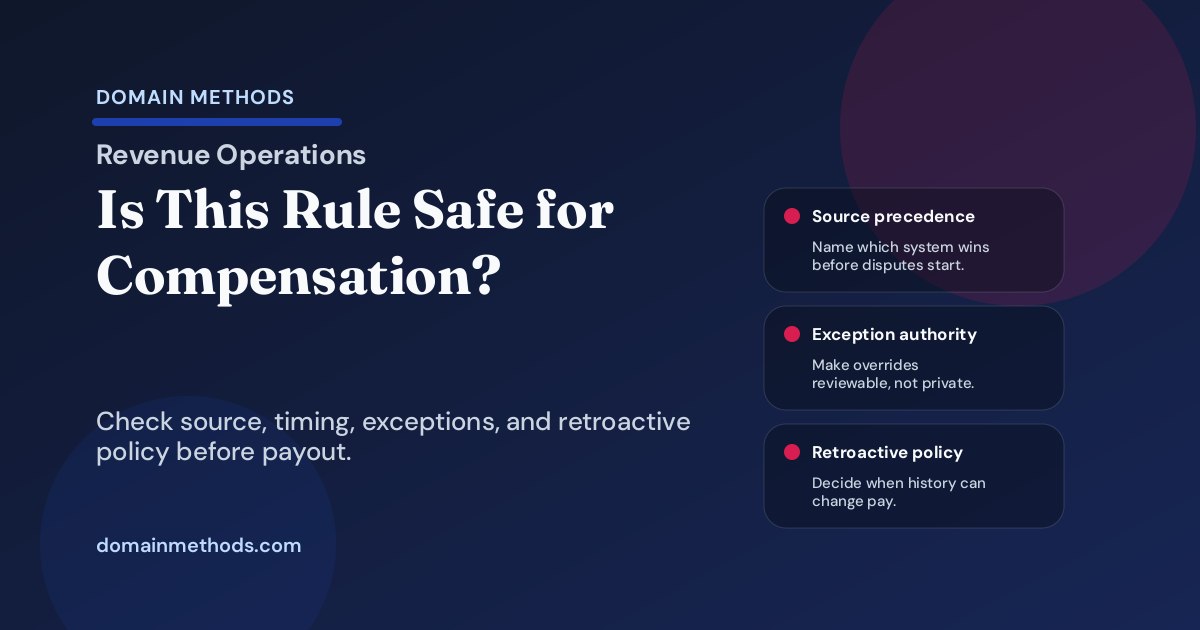
Check whether a revenue, attribution, partner, or territory crediting rule is safe enough for compensation before it changes payout.
Read More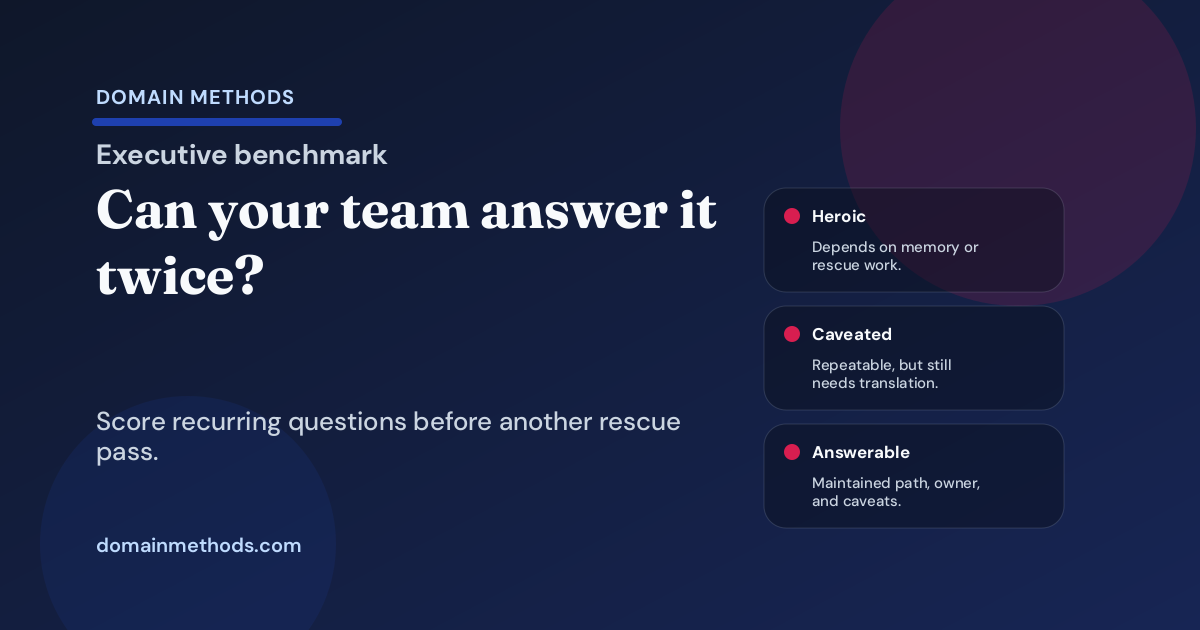
Benchmark whether recurring executive questions have maintained answer paths, stable owners, and caveats that survive more than one reporting cycle.
Read More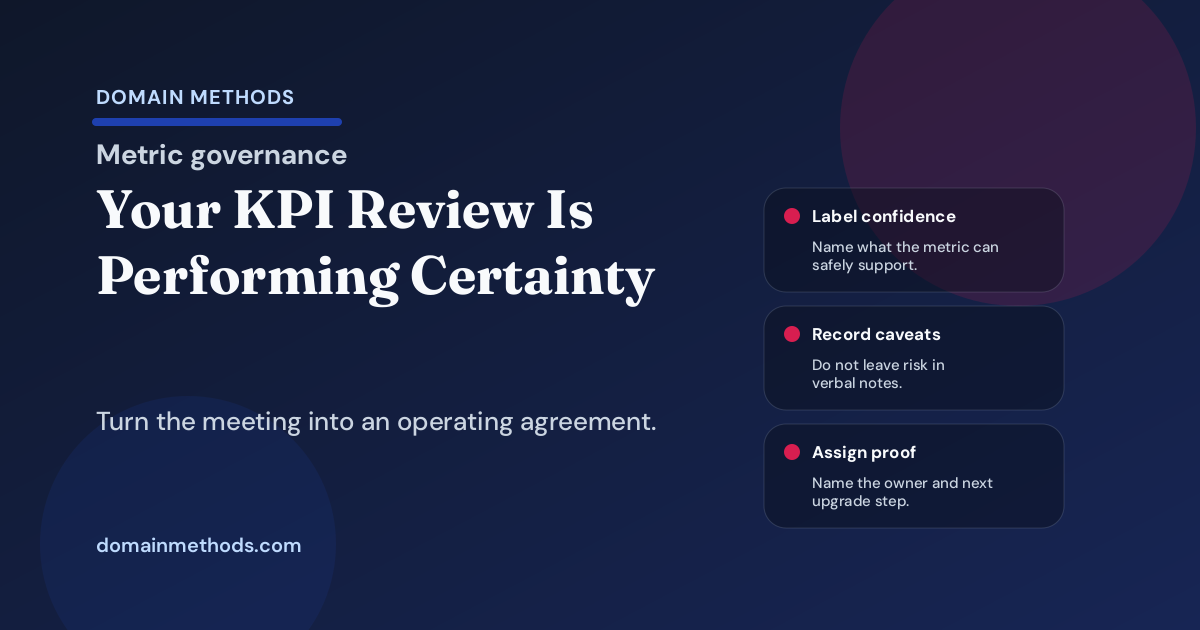
Your KPI review may look disciplined while avoiding the confidence, ownership, and decision rules that turn metrics into real alignment.
Read More
Check whether pipeline coverage is directional, decision-grade, or board-ready before it drives forecast, spend, or board decisions.
Read More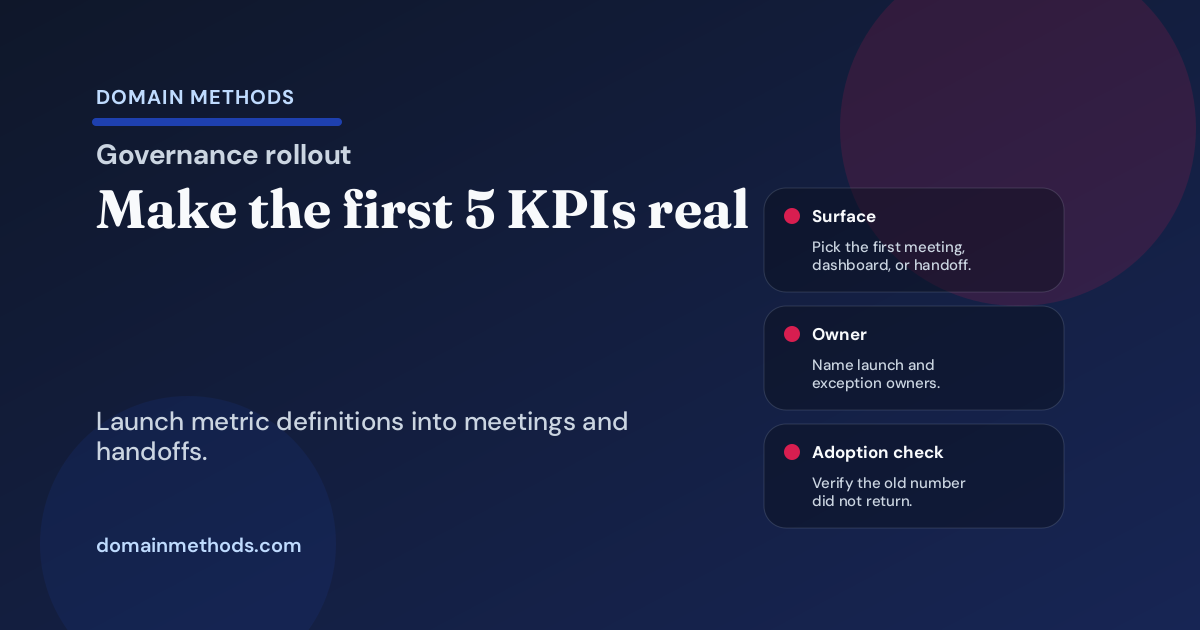
Launch the first governed KPIs into dashboards, meetings, handoffs, and change control without creating governance theater.
Read More
Benchmark whether your ecommerce reporting stack is ready for margin decisions, or only explains revenue after the fact.
Read More
A practical playbook for new SaaS leaders deciding which inherited dashboards, stale reports, and spreadsheet rituals to trust, fix, retire, or defer.
Read More
A dbt project can look documented and still fail the business. Here's how to connect dbt work to trust, ownership, testing, and release discipline.
Read More
Use a board-reporting response tree to decide when a request deserves a board pack, confidence note, decision brief, or data-foundation escalation.
Read More
Before hiring a Head of Data, check whether the mandate, decisions, ownership, and data debt are clear enough for the role to accelerate the business.
Read More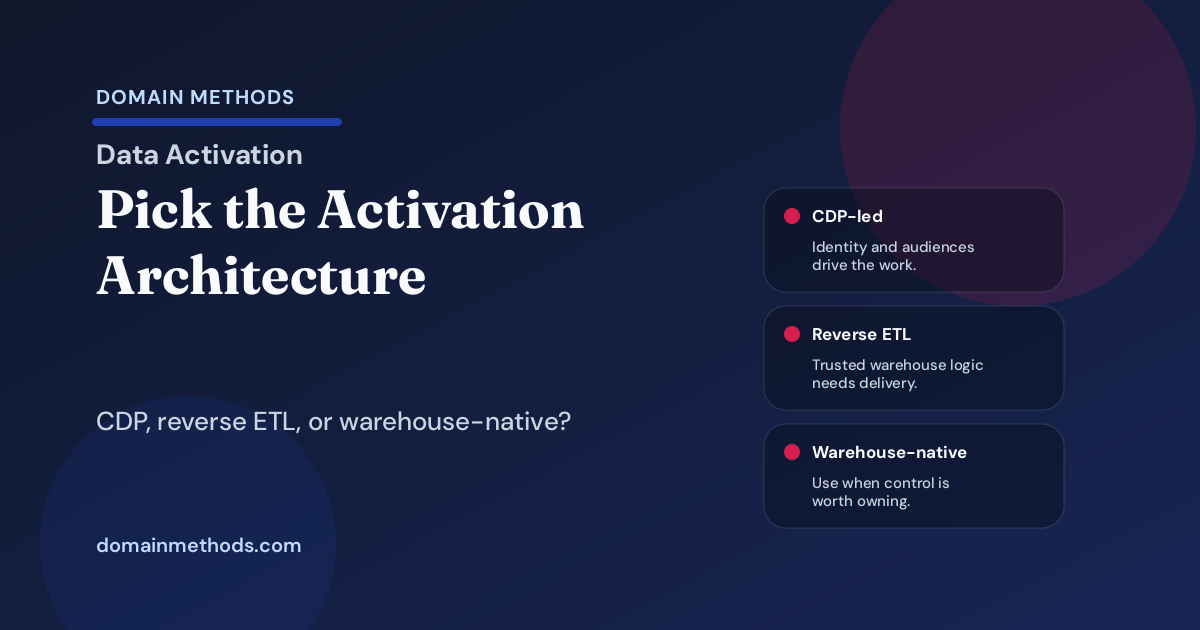
A practical CDP vs reverse ETL vs warehouse-native activation comparison for SaaS teams choosing the right operating model.
Read More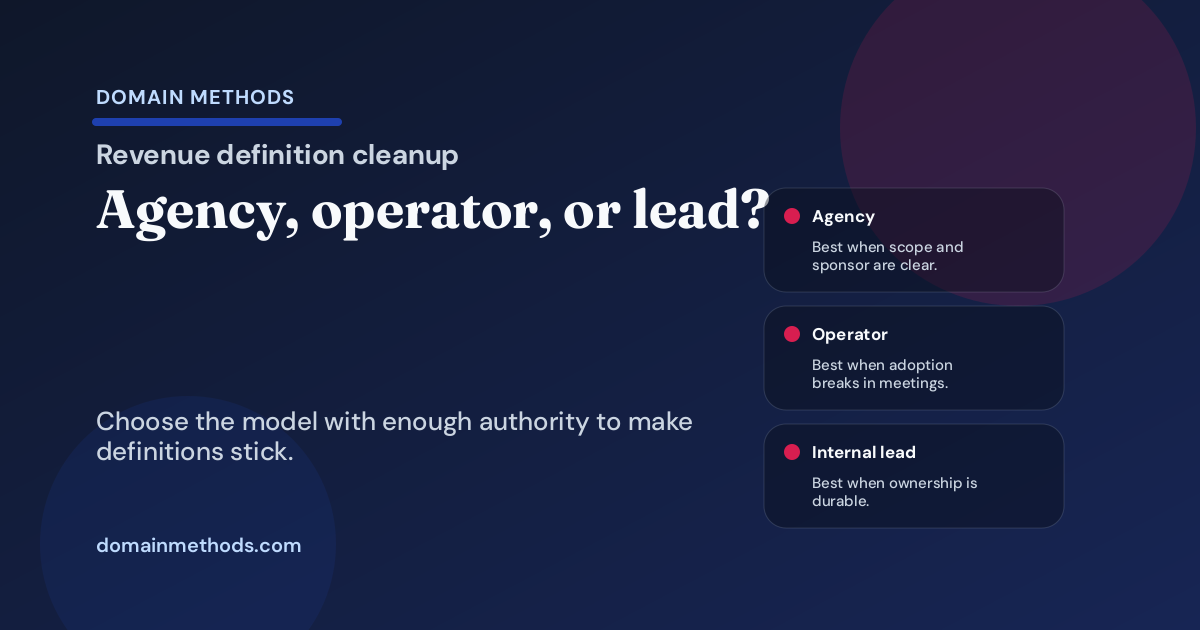
Compare RevOps agencies, embedded operators, internal leads, and stop-and-scope-first signals for revenue-definition cleanup.
Read More
Match the reporting surface to the decision surface: optimization, operating cadence, strategic planning, or executive communication.
Read More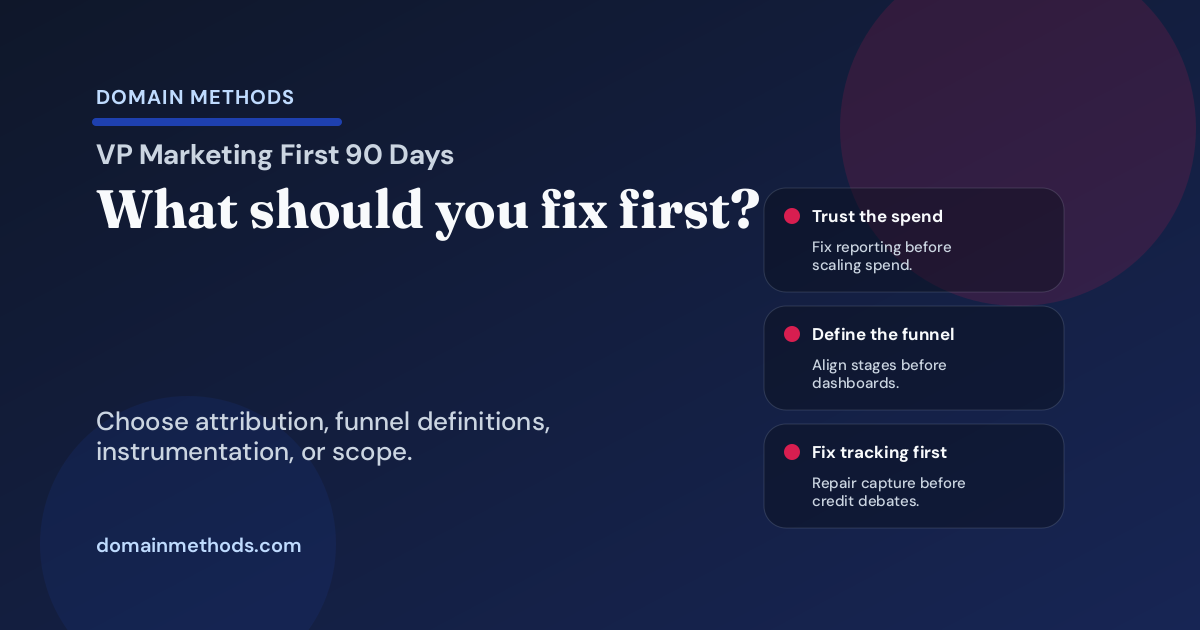
A first-90-days decision tree for new SaaS VPs of Marketing choosing whether to fix attribution, funnel definitions, conversion tracking, or scoping first.
Read More
Missing data is visible. A wrong metric definition can look complete while quietly steering CAC, pipeline, revenue, or margin decisions off course.
Read More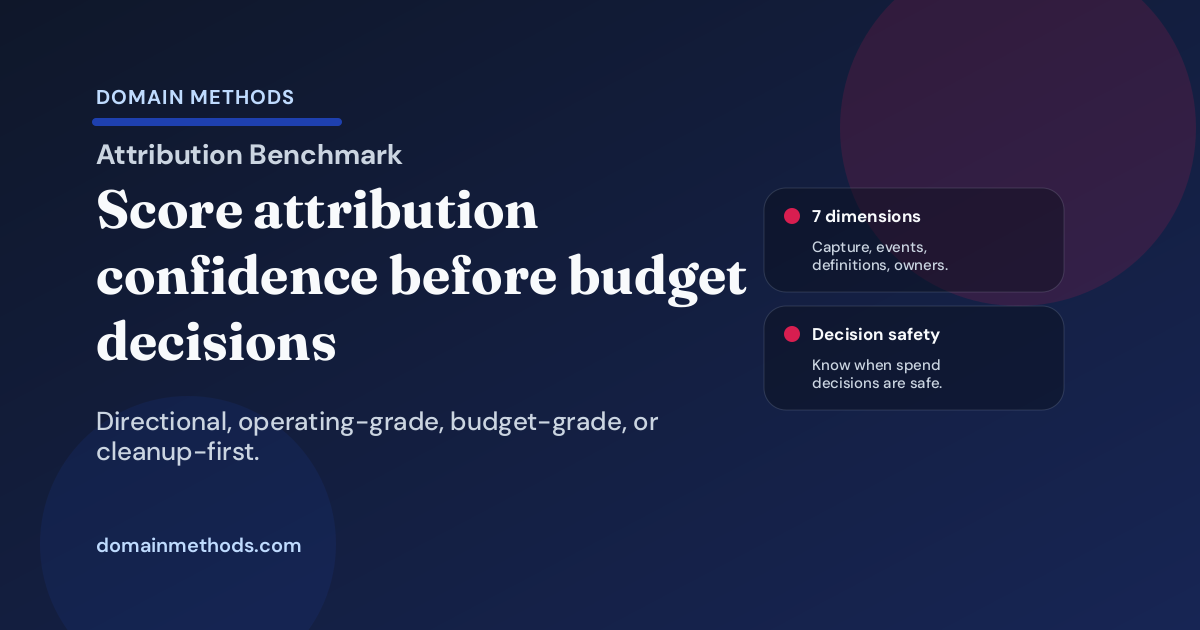
Benchmark whether your attribution evidence is cleanup-first, directional, operating-grade, or safe enough to defend SaaS budget decisions.
Read More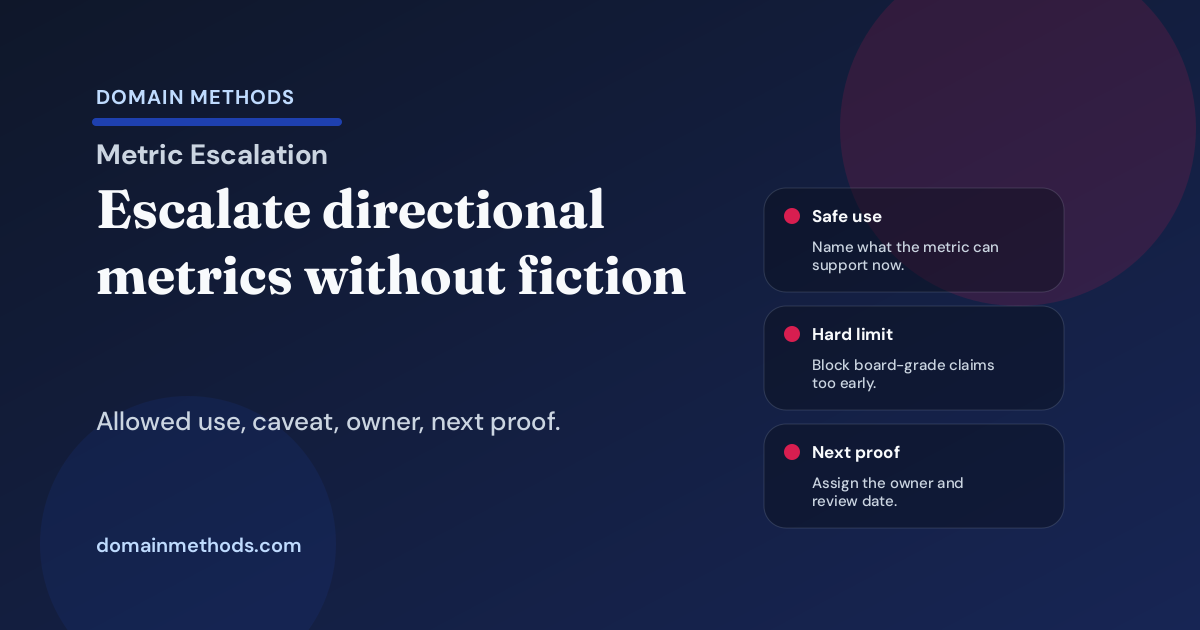
Escalate a directional metric safely by naming allowed uses, caveats, owners, next proof, and the upgrade path before leadership overuses it.
Read More
Use a practical six-rung ladder to turn a fuzzy analytics ask into a decision-ready brief before another dashboard or cleanup project gets scoped wrong.
Read More
Run a GTM translation sprint that turns a fuzzy reporting ask into a decision, evidence bar, owner, and scoped next move before the wrong build starts.
Read More
Use a practical four-level ladder to decide how much authority a workflow should have before a promising automation turns into an operating risk.
Read More
Benchmark whether your team can change models, pipelines, or reporting logic safely before the next exec review turns into caveat theater.
Read More
Executive reporting pain often starts with vague asks, shifting confidence bars, and unowned meeting rules before it becomes a dashboard problem.
Read More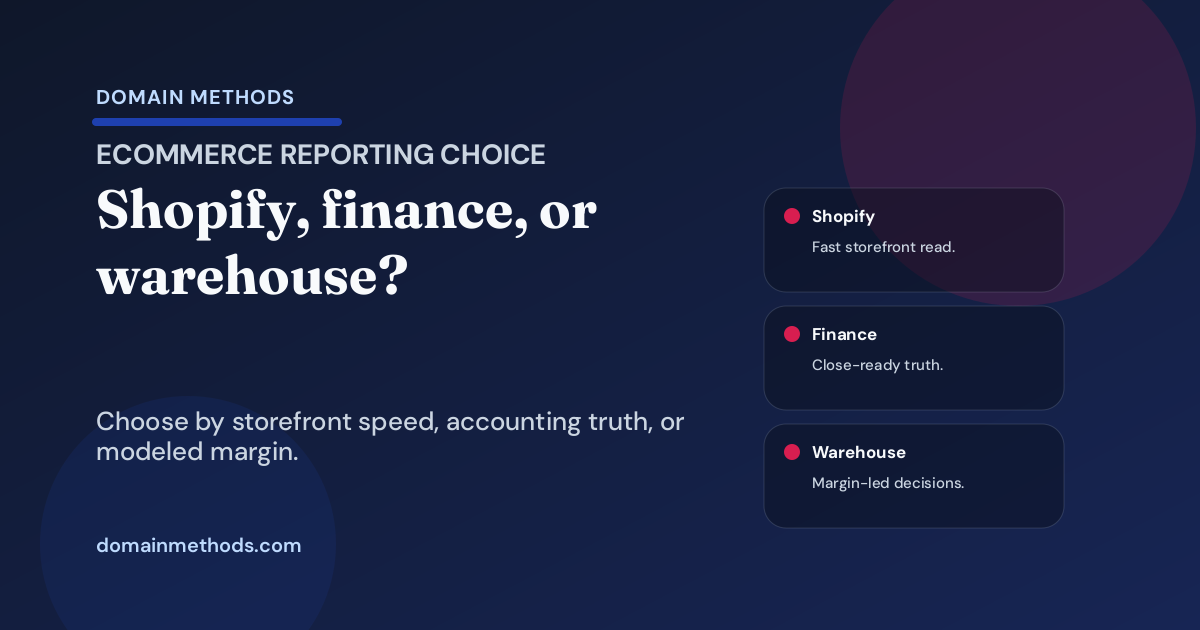
Choose when ecommerce teams should trust Shopify reporting, finance reporting, or a warehouse profitability model for growth and margin decisions.
Read More
Benchmark whether pipeline, bookings, ARR, CAC, and influenced revenue are only directional, decision-grade, or safe enough for board-grade use.
Read More
A practical framework for deciding what has to be true before a trusted report can become a live workflow, sync, alert, or activation surface.
Read More
A practical framework for deciding how much proof is enough before you fund cleanup, governance, translation, or bigger analytics implementation work.
Read More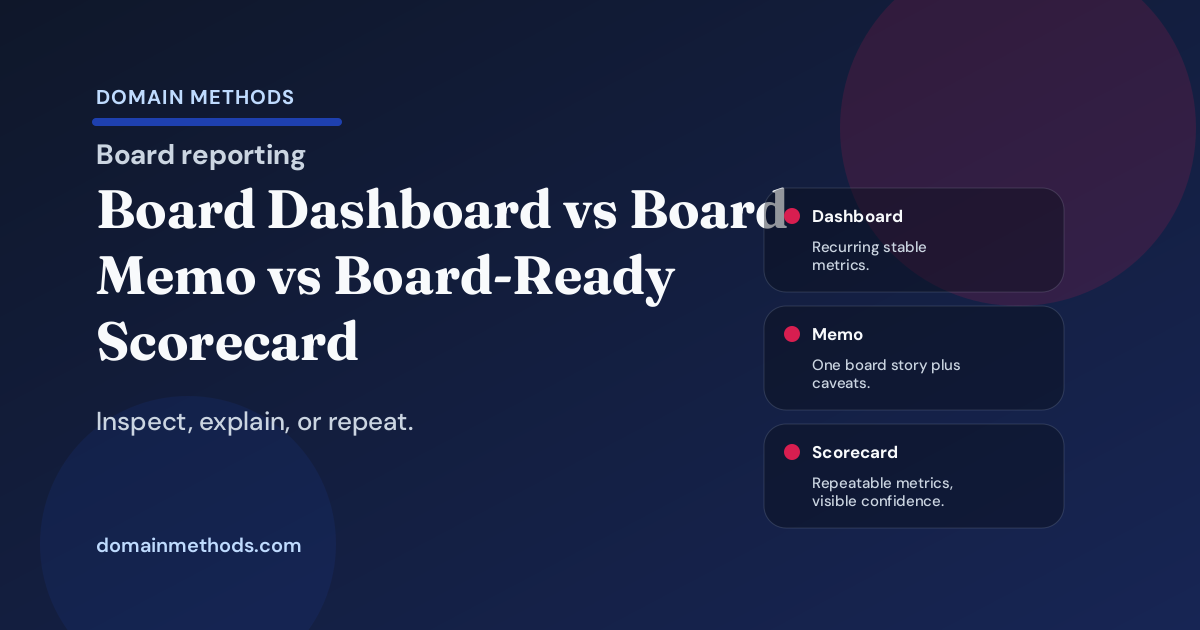
Choose whether the next board-reporting artifact should be a dashboard, a board memo, or a board-ready scorecard with explicit confidence framing.
Read More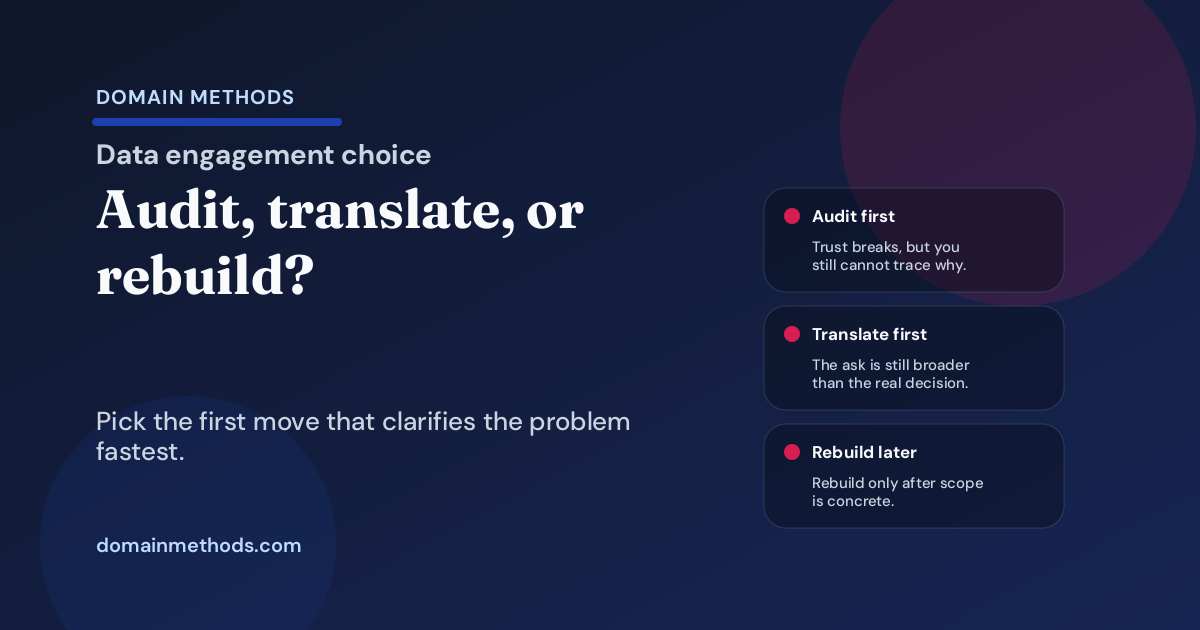
Choose whether the first move should be a data audit, translation sprint, warehouse rebuild, or stop-and-scope reset before the project gets too wide.
Read More
Benchmark whether your recurring revenue meeting runs from a stable metric pack or still depends on caveats, spreadsheet rescue work, and live translation.
Read More
A practical framework for finding where revenue truth forks across marketing capture, CRM rules, warehouse logic, finance tie-out, and executive reporting.
Read More
Recurring CRM mess is usually a rule-ownership problem. Fix lifecycle criteria, override rights, and exception handling before another cleanup sprint.
Read More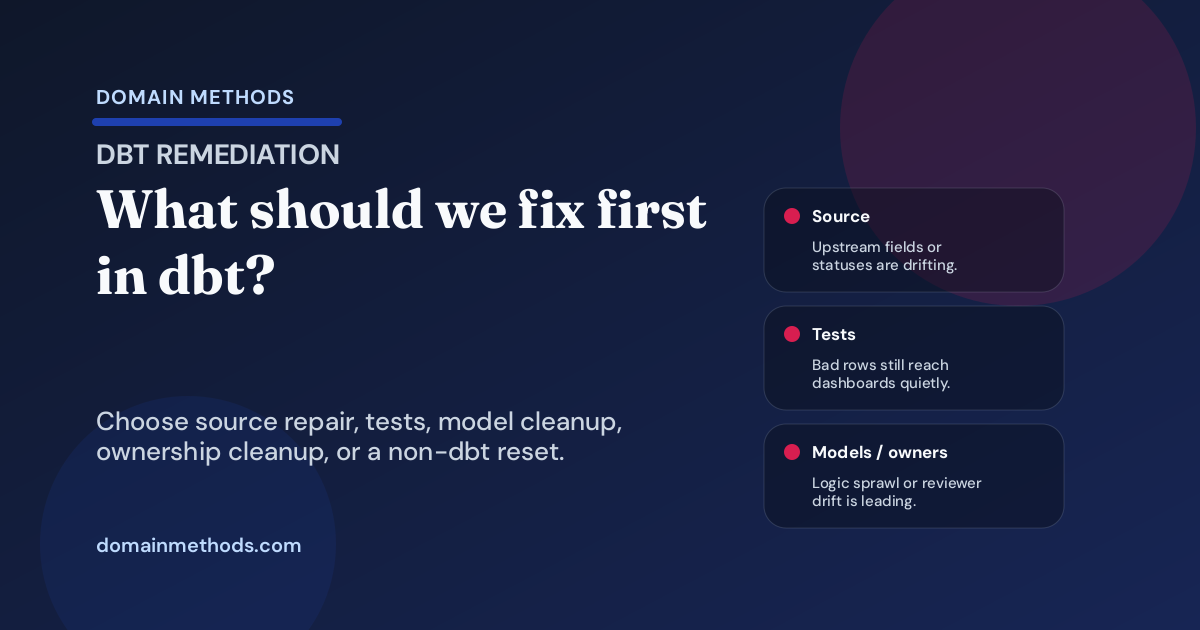
Use a practical decision tree to choose the first dbt fix: upstream source repair, tests, model cleanup, ownership cleanup, or a non-dbt reset.
Read More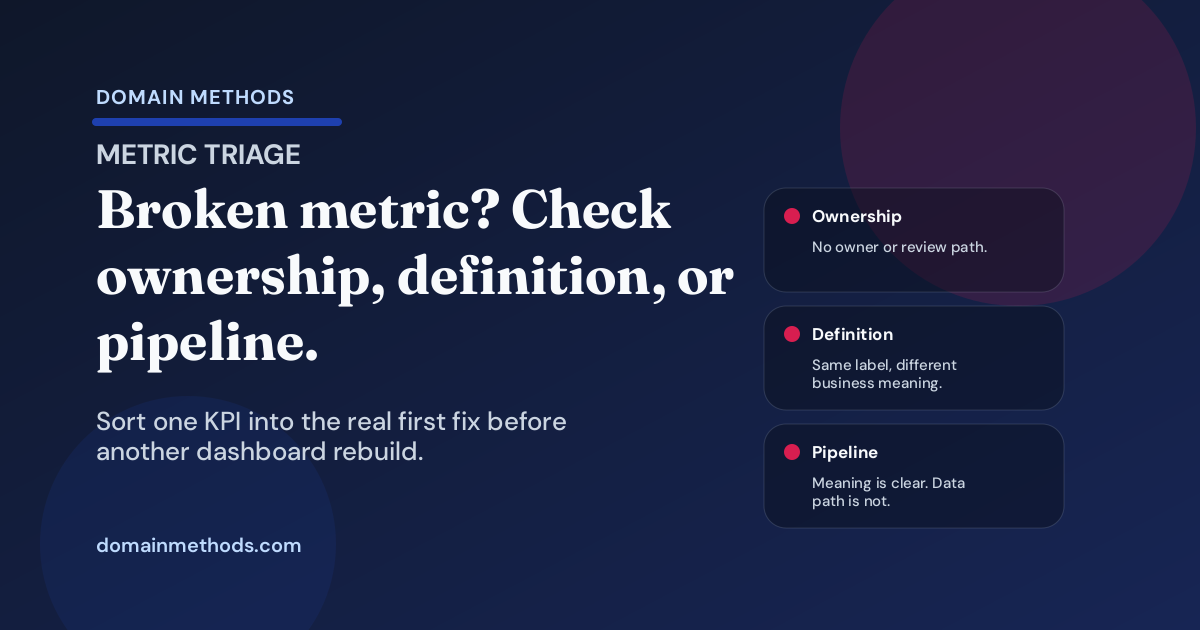
Triage whether one broken KPI needs ownership cleanup, definition cleanup, or pipeline repair before another dashboard rebuild.
Read More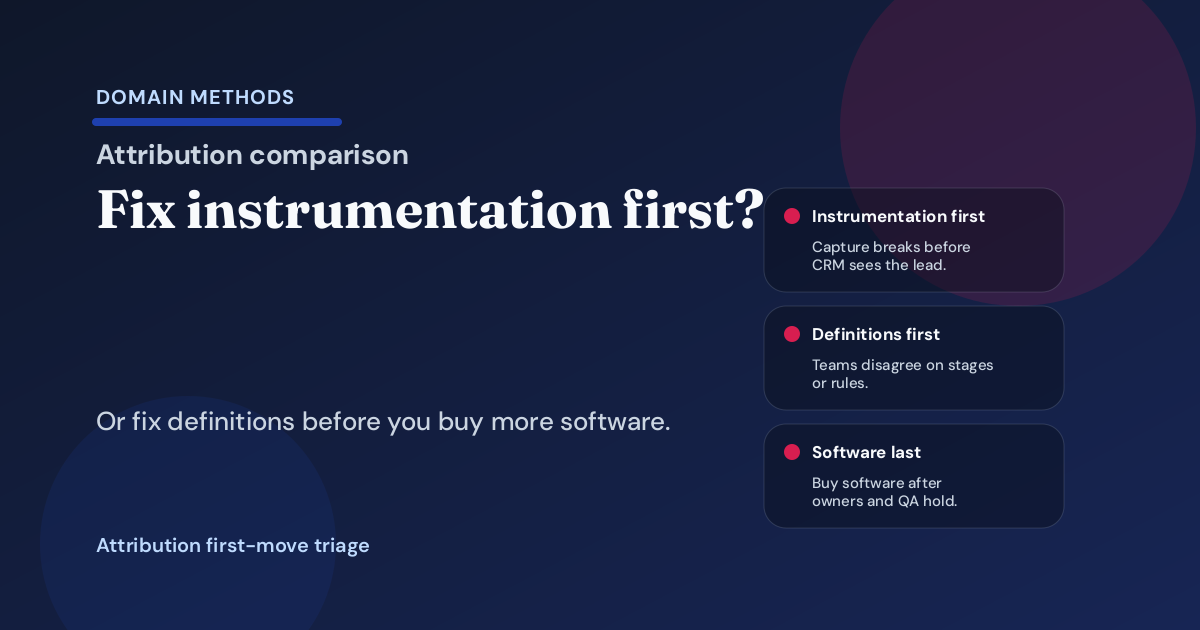
Choose the first attribution fix: instrumentation cleanup, definition cleanup, software purchase, or owner reset before another tool adds confusion.
Read More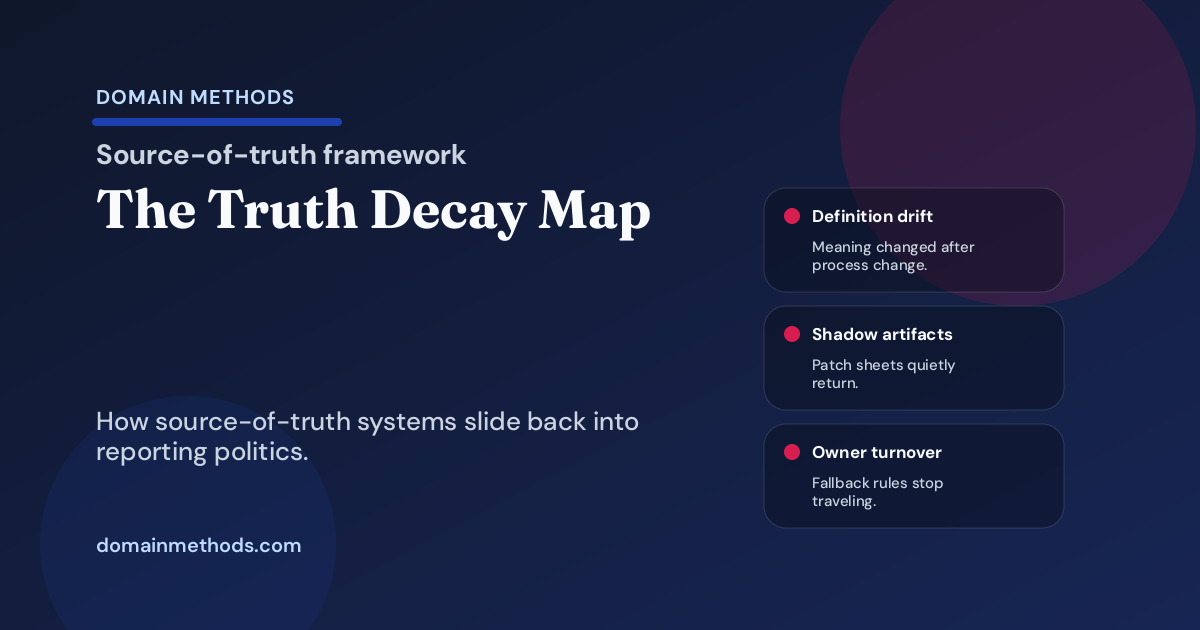
Spot how source-of-truth systems decay after launch through definition drift, spreadsheet fallback, owner turnover, and exception creep.
Read More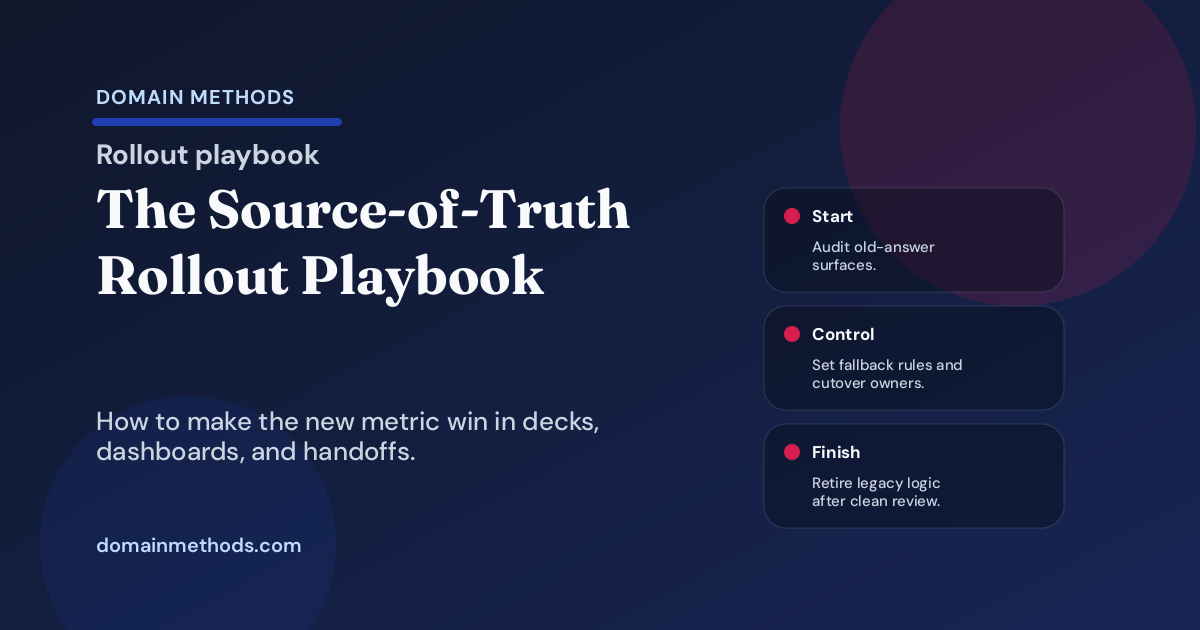
Roll out new metric logic without spreadsheet drift by freezing old answers, naming owners, running parallel windows, and setting sunset rules.
Read More
Benchmark whether the marketing-to-sales-to-finance handoff is clean enough to trust before dashboard fights turn into pipeline fiction.
Read More
Use an intake decision tree to decide whether a dashboard request needs a dashboard, a one-time decision brief, or a workflow change.
Read More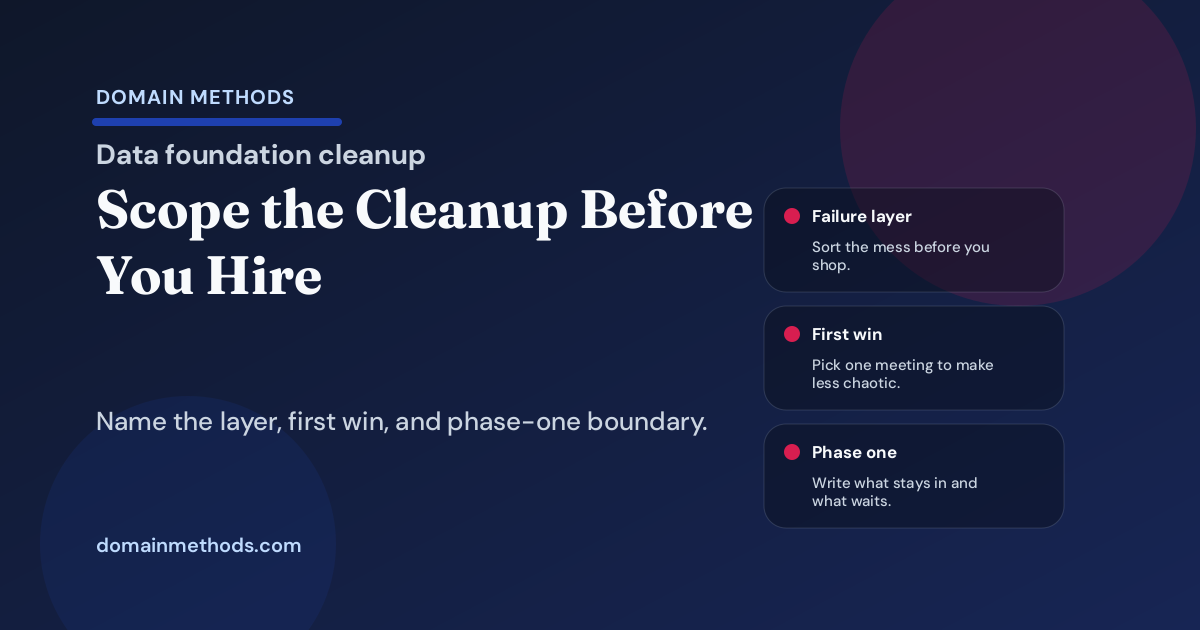
Scope a data foundation cleanup before hiring by naming the failure layer, first success condition, phase-one boundaries, and what should wait.
Read More
Run a source-of-truth audit that names key metrics, system-of-record rules, owners, exclusions, and fallback paths before the tooling fight starts.
Read More
Before buying another attribution tool, diagnose CRM workflow failure, lifecycle drift, and source loss with this triage guide for RevOps teams.
Read More
Name who reviews, overrides, pauses, and escalates AI-assisted workflow exceptions before a promising pilot becomes a trust problem.
Read More
Benchmark whether your reporting operating model is fragmented, fragile, or reliable enough to survive leadership scrutiny without spreadsheet theater.
Read More
Retire spreadsheet-backed reporting without breaking the weekly cadence. Use this playbook to replace one fragile meeting workflow at a time.
Read More
Benchmark whether your CRM is reliable enough to run routing, lifecycle logic, alerts, and GTM handoffs without constant operator rescue.
Read More
Turn a painful board or exec reporting scramble into a cleaner cadence with confidence labels, owners, and fewer late-night rebuilds.
Read More
Launch AI-assisted workflows with exception paths, human-review thresholds, fallback rules, and rollback triggers before production trust breaks.
Read More
Compare CRM-native reporting, warehouse reporting, and spreadsheet patchwork so leadership can choose the right system of record before trust breaks again.
Read More
Use the metric confidence ladder to decide whether a number is only directional, decision-grade, board-grade, or strong enough for real commitments.
Read More
A practical decision tree for deciding when one workflow should stay manual, go rules-based, or use AI without scaling bad process.
Read More
Pick the first two to five metrics worth governing by scoring executive visibility, conflict, downstream impact, and reporting risk.
Read More
Compare freelancers, fractional analytics partners, and first full-time hires across speed, authority, cost, handoff risk, and problem fit.
Read More
A practical triage guide for deciding whether your first reporting-trust fix belongs in metric definitions, source data cleanup, or dashboard changes.
Read More
Benchmark how much spreadsheet cleanup, caveat-writing, and last-mile heroics your executive reporting still needs before leaders can use it.
Read More
Choose the right reporting artifact for the decision: dashboard, decision brief, board pack, or workflow alert.
Read More
Fix revenue-definition fights with a 30-day sprint for owners, rules, system logic, and next-step decisions before the next board or forecast review.
Read More
Why multi-touch attribution lost its grip on budget decisions, where MMM and incrementality fit, and how to build a modern measurement stack.
Read More
A warehouse can centralize data without settling definitions or ownership. Audit the gap before leadership mistakes infrastructure for trust.
Read More
When an analytics freelancer disappoints, the problem usually is not technical skill — it is the business-context gap in messy revenue data.
Read More
Hightouch vs Polytomic for PLG SaaS: compare activation workflows, ease of use, destination breadth, and warehouse-native fit.
Read More
Most teams asking for a better marketing dashboard have a trust, definition, and decision problem wearing dashboard language.
Read More
Use this CRM-focused AI readiness audit checklist to decide whether weak CRM hygiene blocks an AI workflow or just limits it to directional use.
Read More
A practical guide to when a data activation tool is worth it, when reverse ETL is enough, and when the real problem is workflow clarity.
Read More
Decide whether your next data problem should be built in-house, solved with outside help, or bridged with ongoing augmentation.
Read More
Expecting one hire to handle analytics engineering, stakeholder translation, and reporting? You need a better operating plan, not a unicorn.
Read More
A 10-question self-assessment for SaaS marketing and RevOps leaders. Find out if your reporting is chaotic, reactive, structured, or genuinely trustworthy.
Read More
A real mid-size SaaS analytics architecture teardown: ingestion, warehouse, dbt modeling, governance, testing, and what we would change.
Read More
What Google, Meta, HubSpot, GA4, and your CRM actually tell you — where each over-claims, where they go blind, and how to build a realistic view.
Read More
Marketing speaks campaigns and CAC. Data speaks source systems and joins. The real problem is the missing translation layer between them.
Read More
Five phases to turn conflicting dashboards and metric drift into governed revenue metrics your SaaS leadership team can actually trust.
Read More
A 0-100 trust score for revenue reporting. Find out whether your numbers are board-grade, merely directional, or actively creating confusion.
Read More
Stop metric-definition drift before revenue, pipeline, and CAC turn into recurring leadership fights. A playbook for RevOps, finance, and data.
Read More
The five layers of a usable marketing data stack — what healthy looks like at each layer, what usually breaks, and how downstream trust falls apart.
Read More
A 10-point attribution health check to find out whether your reporting is trustworthy enough to guide budget and revenue decisions.
Read MoreUse this AI readiness scorecard to audit your SaaS data stack before investing in AI. Check CRM hygiene, warehouse trust, workflow risk, and next steps.
Read More
A decision matrix for SaaS leaders: when to build in-house, when to buy a tool, and when outside help is the smarter temporary move.
Read More
A 60-day RevOps playbook for fixing messy CRM data, aligning metric definitions, and building trusted reporting without a forever-cleanup project.
Read More
A 90-day data playbook for post-funding SaaS: investor-ready reporting, clean revenue definitions, and a trustworthy operating foundation.
Read MoreComplete SaaS marketing attribution playbook for reporting leaders to trust. Covers method choice, source loss, CRM handoffs, and confidence labels.
Read More
A scoring framework to tell the difference between an evidence-backed growth bet and an expensive idea with weak data support.
Read More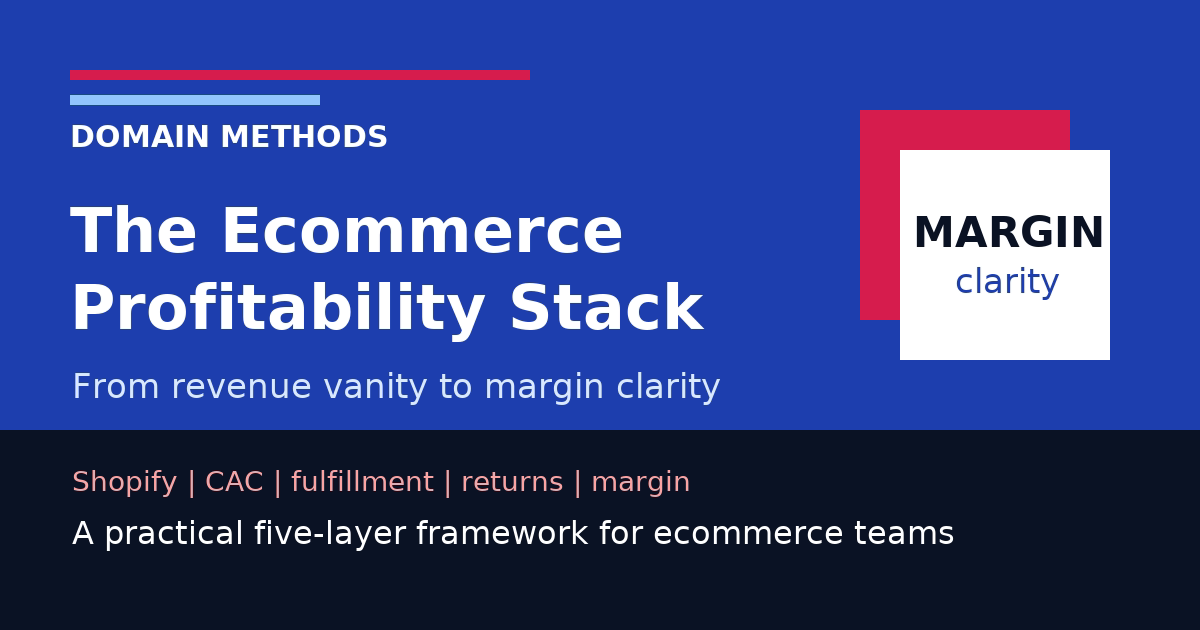
Move from Shopify revenue reporting to true margin clarity by layering in acquisition cost, fulfillment, returns, and contribution economics.
Read More
Key ecommerce metrics, where each number lives, and why Shopify, ad platforms, and finance almost never agree out of the box.
Read More
Score your dbt project across testing, documentation, ownership, and release discipline to see whether reporting is trusted or just documented.
Read More
A buyer's guide and scorecard for evaluating analytics and data partners — what to look for, what to ask, and how to avoid polished-deck traps.
Read More
A handoff playbook for SaaS teams transferring consultant-led analytics work to an internal owner without losing context, trust, or momentum.
Read More
A recovery playbook for SaaS teams that already tried to fix analytics or attribution and need the second attempt to actually stick.
Read More
Most mid-size SaaS data problems are not tool shortages. They are trust, definition, and workflow problems spread across the tools you already own.
Read More
A practical quarterly marketing report template for catching metric drift, dashboard decay, and bad decisions before next quarter compounds the damage.
Read More
Delaying data foundation work creates decision latency, wasted time, missed opportunities, and compounding debt. Estimate the real cost.
Read More
Get executive buy-in for analytics infrastructure without turning the pitch into a vague request for more tools.
Read More
A first-30-days playbook for new VPs of Marketing who inherit conflicting dashboards, shaky attribution, and pressure to deliver a credible plan.
Read More
Connect Shopify, ad platforms, email, fulfillment, and finance into one decision-ready view of revenue, returns, CAC, and margin.
Read More
A self-assessment to find out if your marketing and revenue reporting is board-ready — or one executive question away from falling apart.
Read More
Not sure if you need another analytics tool or need to fix the stack you already have? A practical diagnostic for SaaS leaders.
Read More
DIY attribution setup with UTMs, CRM fields, and self-reported data — plus the signs it is time to stop patching and invest in real infrastructure.
Read More
Run a metric alignment workshop so marketing, sales, finance, and data stop defending different versions of the same number.
Read More
How to present marketing data to your board honestly — defend the right numbers and explain uncertainty without looking unprepared.
Read More
Get rid of marketing reporting spreadsheets by replacing the workflow, source, and owner that made the shadow sheet necessary.
Read More
A practical decision guide for SaaS leaders evaluating whether dbt will solve a real operating problem or just add more tooling overhead.
Read More
Calculate true customer acquisition cost — the costs most teams leave out, attribution mistakes that distort the number, plus a downloadable template.
Read More
Build one marketing dashboard around a real decision, trusted definitions, and an operating cadence people will actually use.
Read More
Most reporting problems come from choosing comfortable numbers over trustworthy ones — then mistaking precision for truth.
Read More
Five truths about analytics consulting: your data is worse than you think, the first readout may sting, and the goal is needing less help over time.
Read More
Compare Census vs Hightouch for reverse ETL: CRM syncs, marketing use cases, HubSpot, Salesforce, BigQuery, dbt, governance, and alternatives.
Read More
Compare SaaS attribution approaches and modeling methods. Find the right path to a revenue story leadership can trust.
Read More
The most dangerous number in your company is not always the wrong one. It is the one that is wrong but looks precise enough to shut down the conversation.
Read More
A contrarian guide to the analytics projects mid-size SaaS teams should stop greenlighting before they waste a quarter on expensive, low-leverage work.
Read More
Run a SaaS marketing audit in two days: compare pipeline, CAC, attribution, and revenue reporting before planning runs on weak numbers.
Read More
Turn vague stakeholder requests into scoped, buildable analytics work before the wrong dashboard or model burns a quarter.
Read More
AI can speed up analysis, surface anomalies, and make trusted data more useful. It cannot fix broken definitions, conflicting dashboards, or messy inputs.
Read MoreA practical workshop guide for RevOps and finance-adjacent leaders who need marketing, sales, and finance to stop reporting different versions of revenue.
Read More
Why SaaS attribution stories break, where media attribution fits, and how to move from model debate to a plan leadership can trust.
Read MoreBuild a trusted dbt data foundation: warehouse architecture, migration strategy, testing, and governance for mid-size SaaS analytics teams.
Read MoreActivate your data warehouse with reverse ETL, AI-powered workflows, and warehouse-as-CDP strategies. Built for mid-size SaaS teams.
Read More
dbt is powerful, but a bad implementation is worse than no implementation. Here are the mistakes we see most often — and how to avoid them.
Read More
You spent months building a data warehouse. Now what? How reverse ETL and data activation turn your warehouse into an operational engine.
Read MoreNo posts matched that topic.
Try another category, or switch back to all topics to browse the full archive.